Why an AI Receptionist?
Small businesses often miss calls, waste time on repetitive questions, or stretch staff thin after hours. An AI receptionist answers calls 24/7, qualifies leads, books appointments, and hands off to a human when it matters.
- Availability: Never miss a call; handle after-hours and peak times
- Consistency: Same script, tone, and accuracy every time
- Cost: One-time setup and modest monthly cost vs hiring or outsourcing
- Scalability: Handle many concurrent calls without adding headcount
Building one is no longer reserved for enterprises. With the right steps, you can go from idea to live in a matter of days.
Step 1: Define Your Use Cases
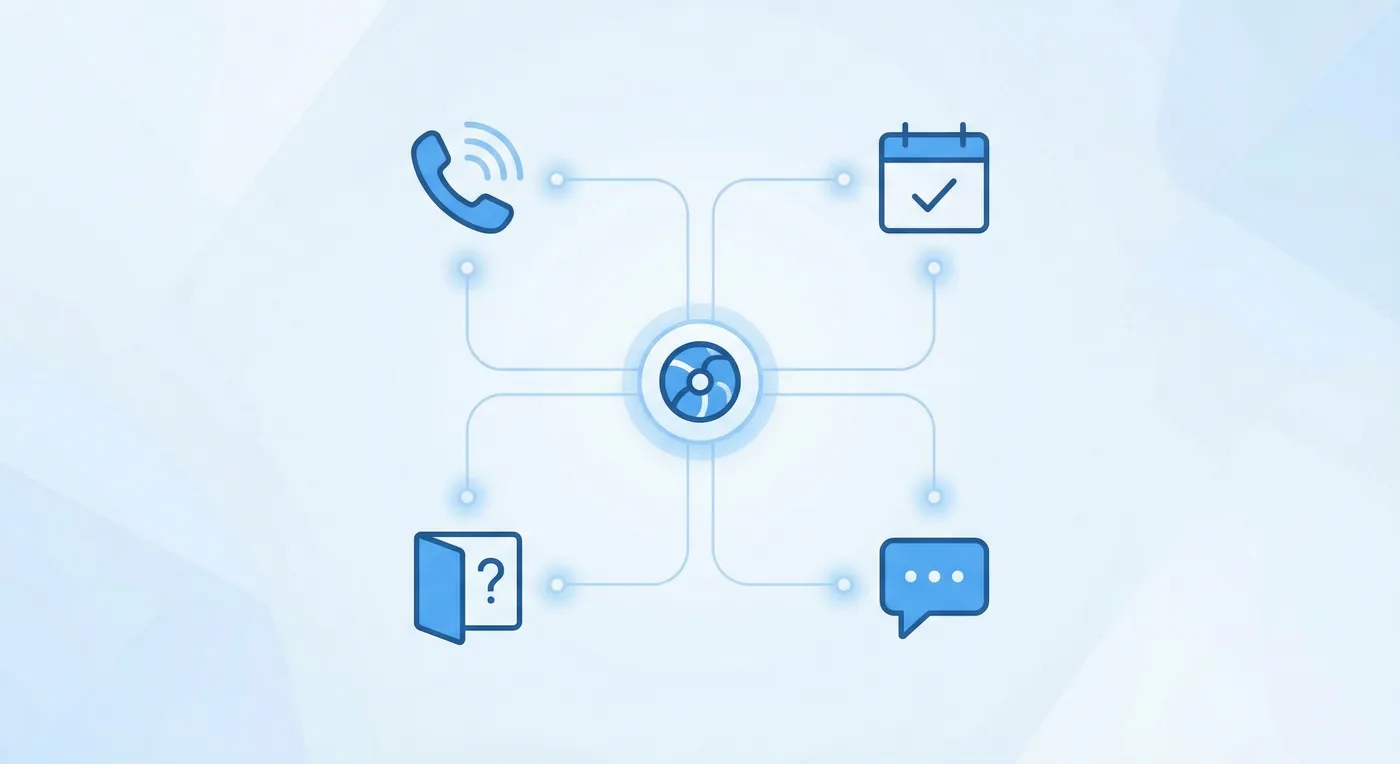
Before choosing technology, write down exactly what the AI should do. Typical use cases:
- Answer FAQs (hours, location, services, pricing)
- Qualify leads (capture name, contact, need) and send to CRM or email
- Book or reschedule appointments and send confirmations
- Take messages and promise a callback
- Route urgent calls to a human or on-call number
Prioritize 2–3 use cases for v1. Add more once the first flows work well.
Step 2: Choose Your Tools and Platform
Voice vs Chat vs Both
Voice agents handle phone calls; chatbots handle web or messaging. Many businesses start with voice because it replaces the front desk. You can add chat later using the same knowledge base.
Platform Options
| Approach | Best for | Typical effort |
|---|---|---|
| No-code (e.g. ElevenLabs, Retell) | Fast launch, standard flows | 1–2 weeks |
| Low-code (n8n + voice API) | Custom logic, CRM, calendars | 2–4 weeks |
| Custom (API + your backend) | Full control, complex rules | 4+ weeks |
For most small businesses, a no-code or low-code platform plus a voice API gets you live quickly while keeping room to customize.
Step 3: Prepare Your Knowledge Base
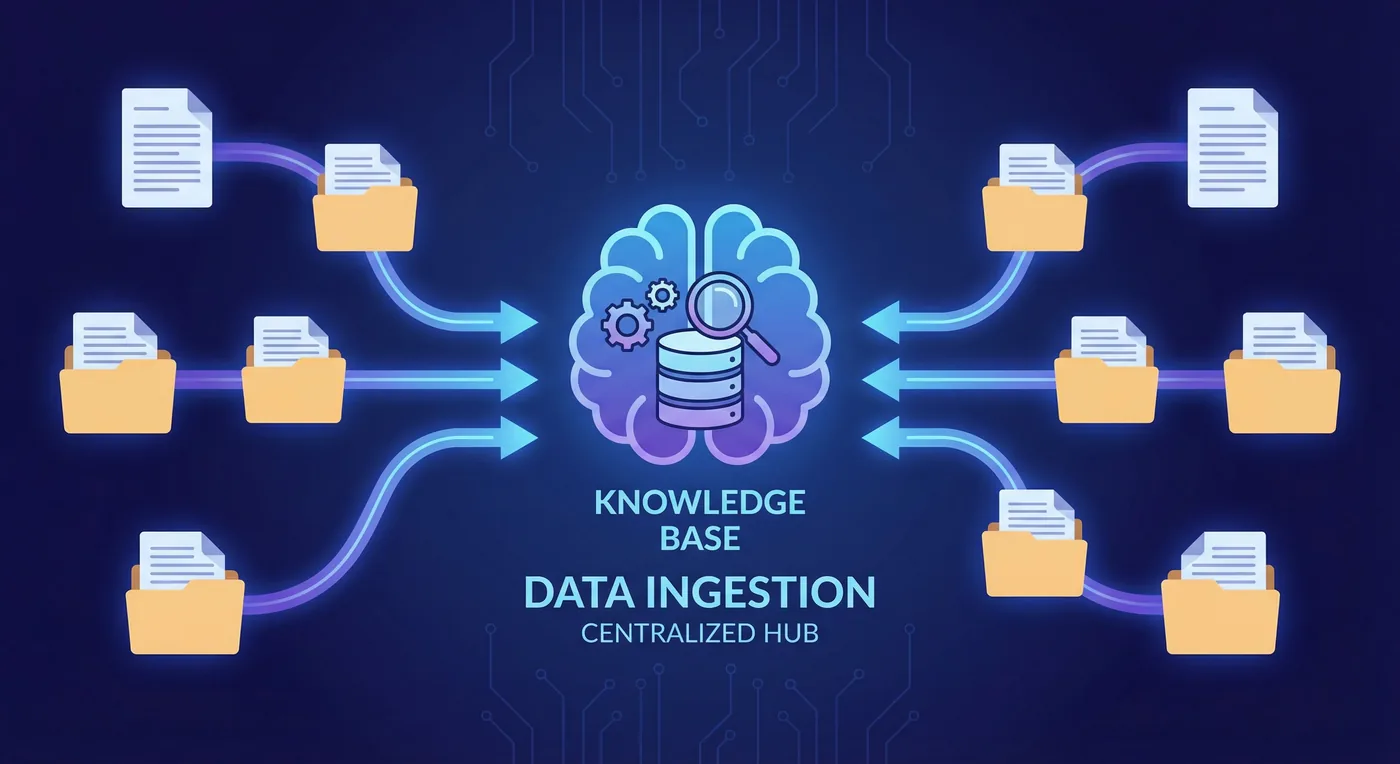
The AI can only answer what it knows. Collect and structure:
- FAQs (questions and short, clear answers)
- Services or products with brief descriptions and pricing if relevant
- Opening hours, address, contact details
- Policies (cancellation, payment, eligibility) in plain language
Store these in a format your platform uses: documents, Q&A pairs, or a small database. If you use RAG, chunk and embed this content so the AI retrieves the right answer at runtime.
# Example FAQ format for ingestion
Q: What are your opening hours?
A: We're open Monday–Friday 9–17, Saturday 10–14.

Q: Do you offer emergency callouts?
A: Yes, 24/7 for existing contract customers.
Step 4: Configure Voice and Personality
Set the voice (synthetic or cloned), language, and tone to match your brand. Define a short system prompt that includes:
- Role: "You are the receptionist for [Business Name]."
- Rules: Stay on topic, never promise what you can't do, escalate to a human when needed.
- Boundaries: Don't discuss competitors or give legal/medical advice.
Test with real questions and edge cases (vague requests, angry callers, off-topic) and refine the prompt and knowledge until responses feel consistent and safe.
Step 5: Integrate and Go Live
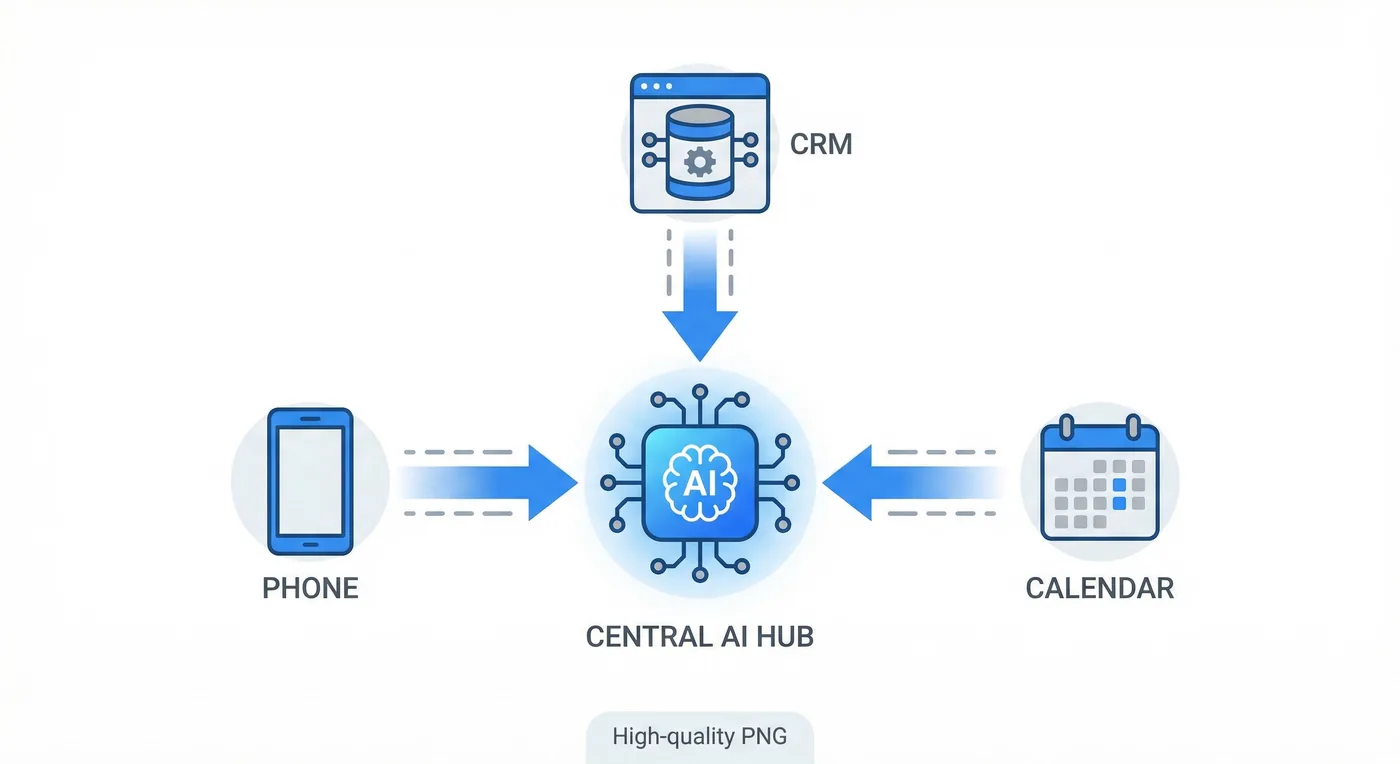
Connect the AI to your real channels:
- Phone: Use a SIP trunk or number provided by the voice platform; forward your main number or use a dedicated line.
- CRM/Calendar: Use webhooks or n8n to create leads and events when the AI captures details or books a slot.
- Escalation: Define when to transfer (e.g. "speak to manager") and to which number.
Run a soft launch: route a portion of calls to the AI, keep the rest with humans, and compare outcomes before switching fully.
Step 6: Measure and Iterate
| Metric | Why it matters |
|---|---|
| Answer rate / Missed calls | Are you catching more calls? |
| Resolution without human | Efficiency of the AI |
| Lead quality (from CRM) | Are qualified leads being captured? |
| Caller satisfaction (surveys) | Experience and brand perception |
Review logs and recordings regularly. Adjust prompts, knowledge, and escalation rules based on real conversations.
Conclusion
An AI receptionist is within reach for small businesses: define use cases, pick a platform, prepare your knowledge, configure voice and behaviour, integrate with phone and CRM, then measure and improve. Start with a narrow scope and expand as you gain confidence.
At TecAdRise, we design and deploy AI receptionists and voice agents tailored to your business, from simple FAQ handlers to full lead qualification and booking flows. Compare AI receptionist vs hiring a VA before you decide on headcount.
Resources
Ready for Your Own AI Receptionist?
Contact TecAdRise and we'll help you choose the right approach and get you live step by step. See AI voice agents for done-for-you pricing or compare vs hiring a VA.
Get Started